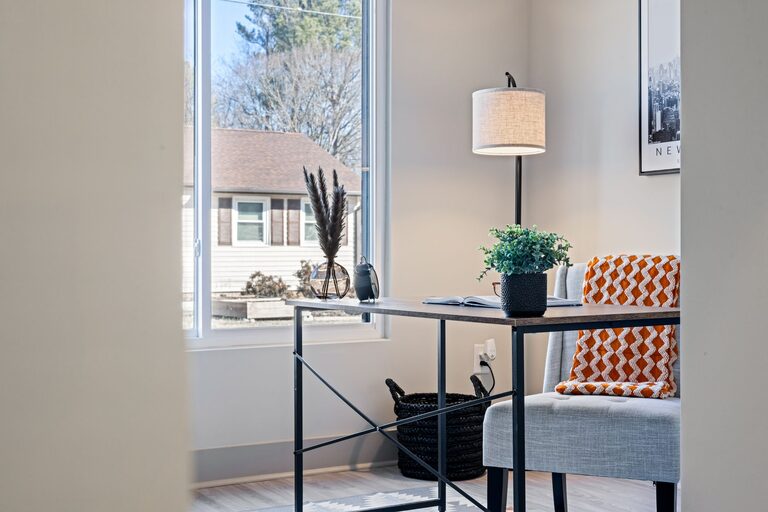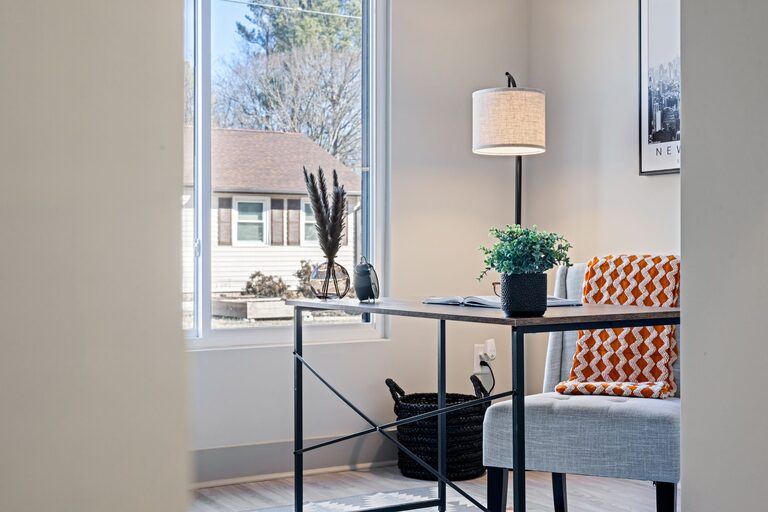
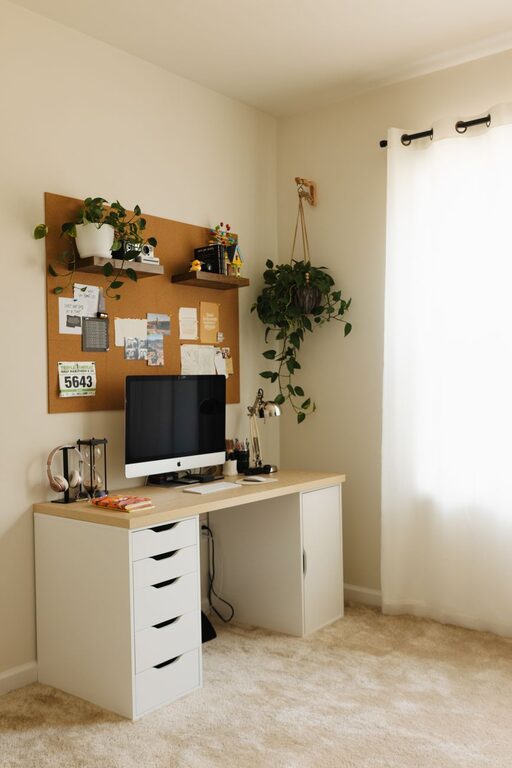
Creating a productive home office environment is essential for anyone who works remotely or frequently from home. A well-designed workspace can improve your focus, reduce distractions, and make your workday more enjoyable. Whether you have a dedicated room or a small corner, there are several ways to optimize your home office to support your productivity and well-being.
Choose the Right Location
Find a Quiet Spot
Select a place in your home that is quiet and free from frequent interruptions. Avoid highly trafficked areas like the kitchen or living room if possible. A separate room or a nook with a door can help create a physical boundary between work and home life.
Ensure Good Lighting
Natural light is best for your workspace, as it can boost mood and reduce eye strain. Position your desk near a window if you can. If natural light is limited, invest in a quality desk lamp with adjustable brightness and color temperature.
Invest in Comfortable Furniture
Ergonomic Chair and Desk
Comfort is key for long work hours. Use an ergonomic chair that provides good lumbar support and allows your feet to rest flat on the floor. Your desk should be at a height where your elbows can rest comfortably at a 90-degree angle while typing.
Adjustable Setup
Consider a sit-stand desk or a converter so you can alternate between sitting and standing. This can help reduce fatigue and improve circulation throughout the day.
Organize Your Workspace
Declutter Regularly
A tidy workspace helps you focus and reduces stress. Keep only essentials on your desk, such as your computer, a notepad, and a pen. Use drawers, shelves, or organizers to store other items neatly.
Use Storage Solutions
Invest in storage bins, shelves, and cable management tools to keep everything orderly. Label containers and files for easy access to important documents.
Minimize Distractions
Set Ground Rules
If you live with others, communicate your work hours and the importance of minimizing interruptions. Use headphones to block out background noise or play focus-enhancing music or white noise.
Limit Digital Interruptions
Turn off non-work notifications on your phone and computer during work hours. Use apps that block distracting websites if needed.
Boost Your Focus and Comfort
Personalize Your Space
Add a few decorations like plants, artwork, or photos to create a welcoming environment that motivates you. Keep it simple to avoid clutter.
Maintain a Comfortable Temperature
Ensure your workspace is neither too hot nor too cold. Use fans, heaters, or humidifiers to adjust the climate as needed.
Take Regular Breaks
Use techniques like the Pomodoro Technique (25 minutes of focused work followed by a 5-minute break) to maintain energy and prevent burnout. Stand up, stretch, or take a short walk during breaks.
Use Technology Effectively
Reliable Equipment
Invest in a good quality computer, monitor, keyboard, and mouse to make your work easier and more efficient. A second monitor can increase productivity if your work involves multiple windows or programs.
Fast Internet Connection
A stable and fast internet connection is crucial for smooth video calls, research, and other online tasks.
Backup Solutions
Regularly back up your work files to the cloud or an external hard drive to avoid data loss.
Maintain Work-Life Balance
Define Work Hours
Set clear boundaries by starting and ending your workday at specific times. This helps separate your professional and personal life.
Create a Closing Routine
End your workday with a routine like shutting down your computer, tidying your desk, and planning tasks for the next day. This signals your brain that work time is over.
—
By following these tips, you can create a home office environment that supports productivity, comfort, and balance. A thoughtfully arranged workspace helps you stay focused, motivated, and healthy while working from home.
About the Author