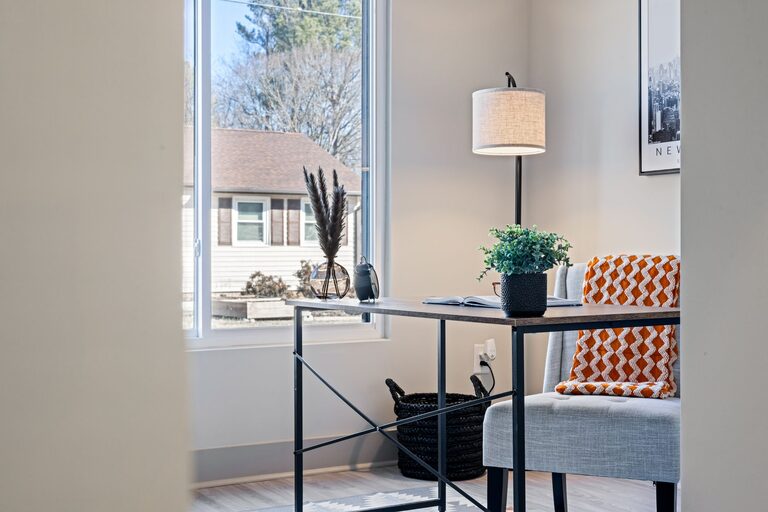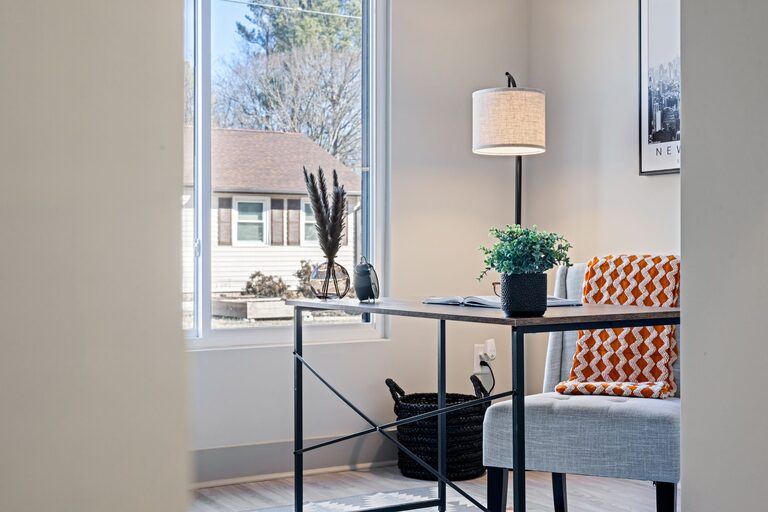

Creating a home office that balances comfort and productivity can significantly impact your work-from-home experience. Whether you have a dedicated room or a corner in your living space, designing an area that helps you focus while feeling cozy is essential. In this article, we’ll explore practical tips to set up a home office space where comfort meets efficiency.
Choose the Right Location
The first step is finding the best spot in your home for your office. Ideally, look for a quiet area away from high-traffic zones like the kitchen or living room. Natural light is also a crucial factor. A space near a window can boost your mood and energy throughout the day.
If space is limited, don’t worry. Even a small nook or a corner can be transformed with the right setup.
Invest in Comfortable Furniture
Select an Ergonomic Chair
A comfortable, supportive chair is a must-have. Ergonomic chairs help maintain good posture and reduce the risk of back pain during long work hours. Look for chairs with adjustable height, lumbar support, and adequate cushioning.
Pick a Functional Desk
Choose a desk that fits your space while offering enough surface area for your computer, notebooks, and other essentials. Standing desks or adjustable desks can offer flexibility if you prefer to alternate between sitting and standing.
Organize Your Workspace Efficiently
Clutter can be distracting. Keep your desk tidy by incorporating storage solutions such as:
– Drawer organizers for small items
– Shelves or bookcases for books and reference materials
– Cable organizers to prevent tangled cords
Using labeled boxes or bins helps keep like items together, making it easier to find what you need quickly.
Personalize Your Space
Adding personal touches can make your workspace inviting and boost your motivation. Consider including:
– Plants to add a touch of nature and improve air quality
– Artwork or photos that inspire and uplift
– A cozy throw or cushion for extra comfort
Remember, personalization should enhance your environment without creating clutter.
Optimize Lighting
Good lighting reduces eye strain and improves focus. Besides natural light, invest in a quality desk lamp that offers adjustable brightness and color temperature. Warm light can create a cozy atmosphere, while cooler light helps with concentration.
Avoid glare on your computer screen by positioning your monitors perpendicular to windows.
Minimize Distractions
Create boundaries to separate work from home life. This might mean closing a door or using room dividers. Noise-canceling headphones can help block out household noise. Also, set clear work hours and communicate them with family or roommates to reduce interruptions.
Incorporate Technology Wisely
Equip your office with technology that supports your tasks without overcrowding your desk. Essential items include a reliable computer, fast internet connection, and quality webcam for virtual meetings.
Consider wireless devices to reduce cable clutter. Additionally, regular digital decluttering of your computer can improve efficiency.
Maintain Good Air Quality and Temperature
Ensure your workspace is well-ventilated. Fresh air helps keep you alert and comfortable. If natural airflow is limited, use air purifiers or fans.
Maintain a comfortable temperature, neither too hot nor too cold, to help sustain focus and productivity.
Take Breaks and Move
Design a space that encourages regular movement. This might be a small area for stretching or a comfortable spot for short breaks. Incorporating these habits helps maintain energy levels and reduces fatigue.
Final Thoughts
Setting up a cozy and productive home office is all about balance. With the right location, furniture, organization, lighting, and personal touches, your workspace can become a place where you feel comfortable and motivated. These tips can help you create an environment that supports your best work and well-being.
About the Author